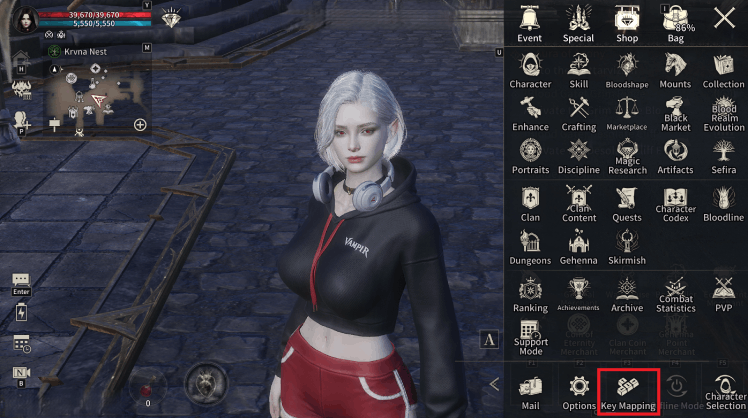
◆ Key Mapping
- Key Mapping is a feature available on PC when using the Netmarble Launcher.
- In addition to the default key mapping provided by the game, you can adjust settings to fit your playstyle.
- Shortcut settings can be changed on the Combat Screen and in the Shortcut List.
- Select the key you want to change, then press your desired key to modify the key mapping.
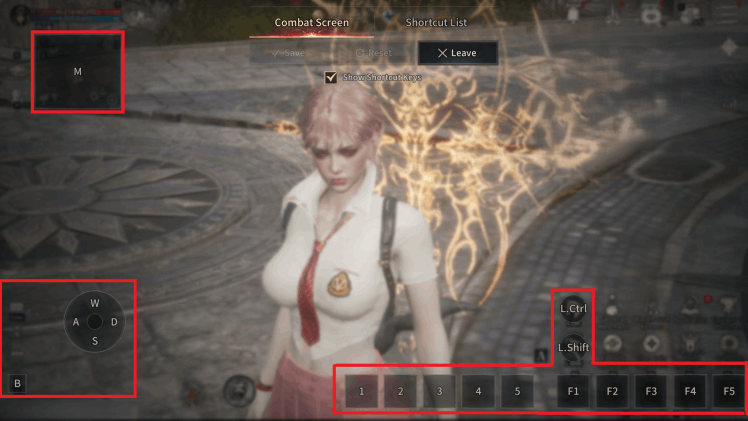
■ Combat Screen
- You can change the shortcuts displayed on the combat screen.
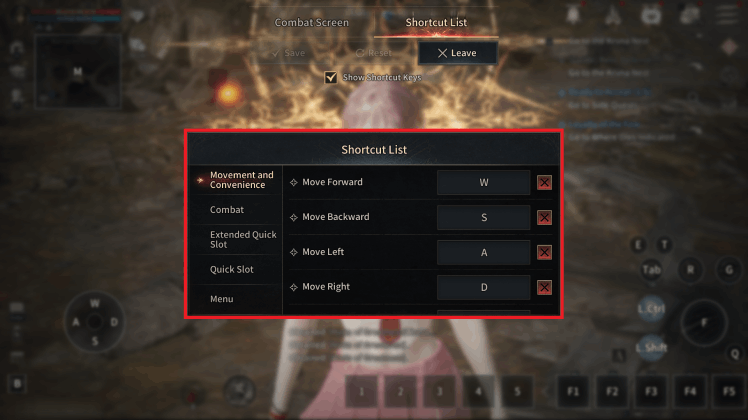
■ Shortcut List
- You can select a desired category in the Shortcut List to change settings.
* Keys that are already assigned can be used after removing or changing them.
※ The guide content and images are based on a test version and may differ from the actual game interface or be subject to change.