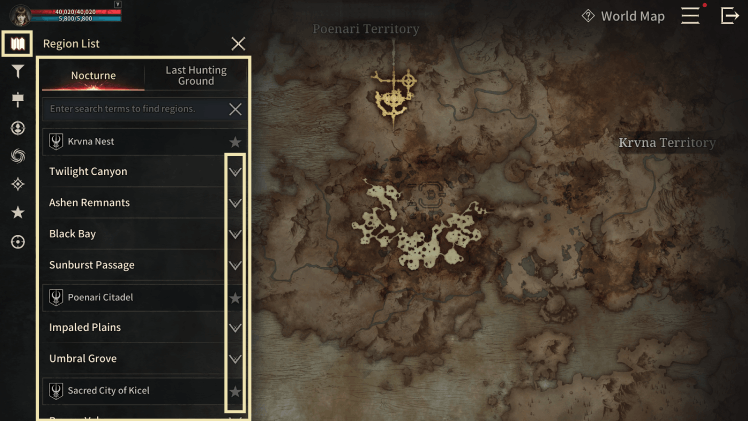
■ Region List
- You can open the region list selection window via the [Map] icon on the World Map.
- You can check region info for each territory.
- You can add the corresponding region to your Favorites list by pressing the star icon.
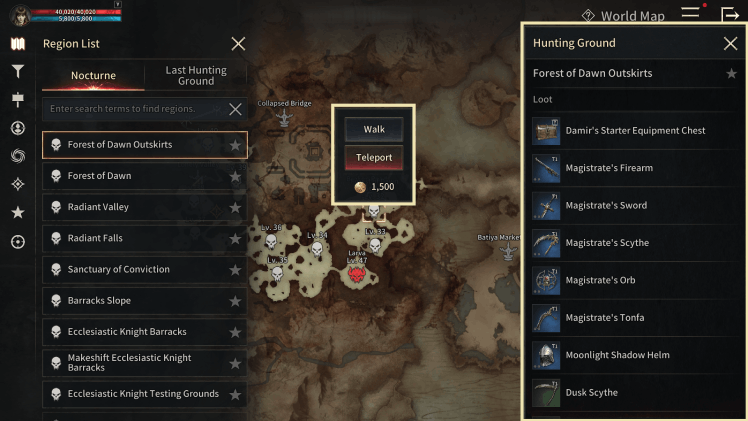
■ Hunting Ground
- You can check information about hunting grounds.
- You can move directly to the selected hunting ground location or pay a fee to teleport.
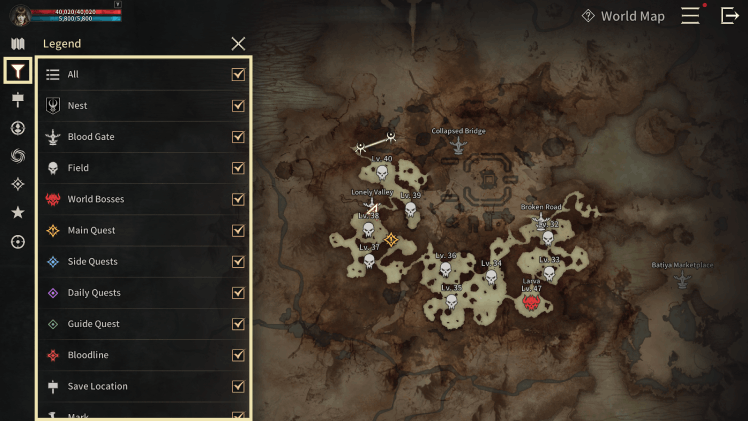
■ Icon Settings
- You can toggle various icon information on the World Map on and off.
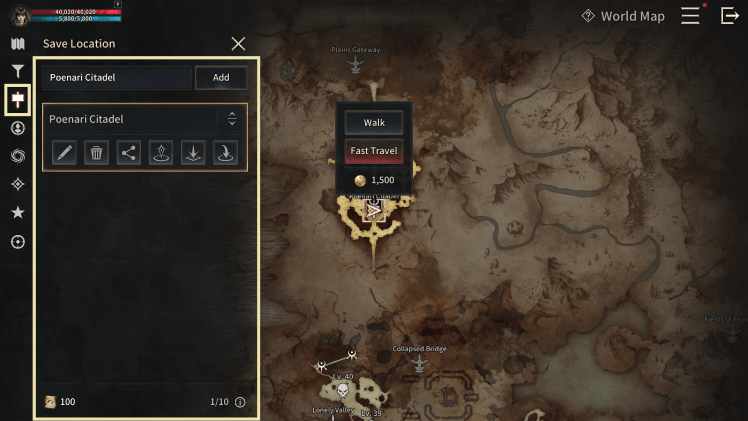
■ Save Location
- You can save your current location to use fast travel.
- Enter your desired name and press the Add button to save the location.
- A list of saved locations will be displayed.
■ Location Tracking Target
- When killed by another player, you can save the target via Location Tracking.
- You can check the target's info and location from the Location Tracking Target list.
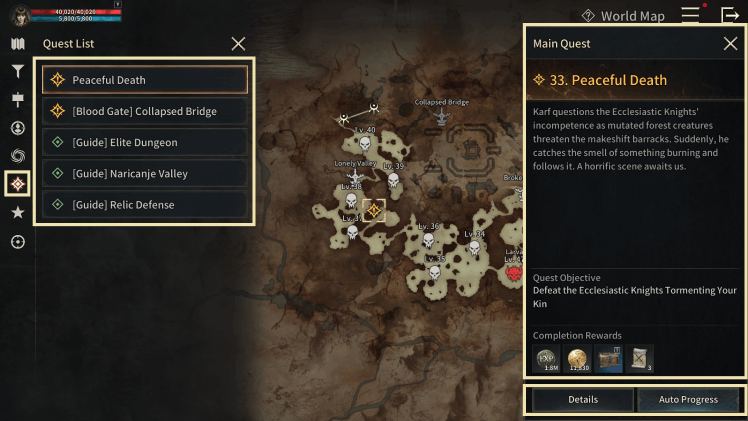
■ Quest List
- A list of currently active quests will be displayed.
- You can check detailed information about the selected quest.
- Press the Details button to check quest information.
- Press the Auto Move button to proceed with the quest.
※ The guide content and images are based on a test version and may differ from the actual game interface or be subject to change.