Manage Presets
When playing through the story, tackling a gate, fighting the Guild Boss, or taking on
other content, you can switch to already formed decks, so you can load your presets and begin playing.
[How to Access Manage Presets]
- [Menu] ▶ [Strategy Training] ▶ [Manage Presets]
[Preset Guide]
- You can view the Total Power of the deck you've formed here.
- You can also create and edit the preset name and formation tag.
*The formation tags you created will show as active in the tag selection pop-up on the Sung Jinwoo Page.
- Each mode, inclusive of Player/Hunter/Guild Boss modes, can have its own presets.
- You can create 20 presets in Player and Hunter Modes and 10 presets in Guild Boss Mode.
- You can determine the settings for Jinwoo, your hunters, your Army of Shadows, and your Remnant Power.
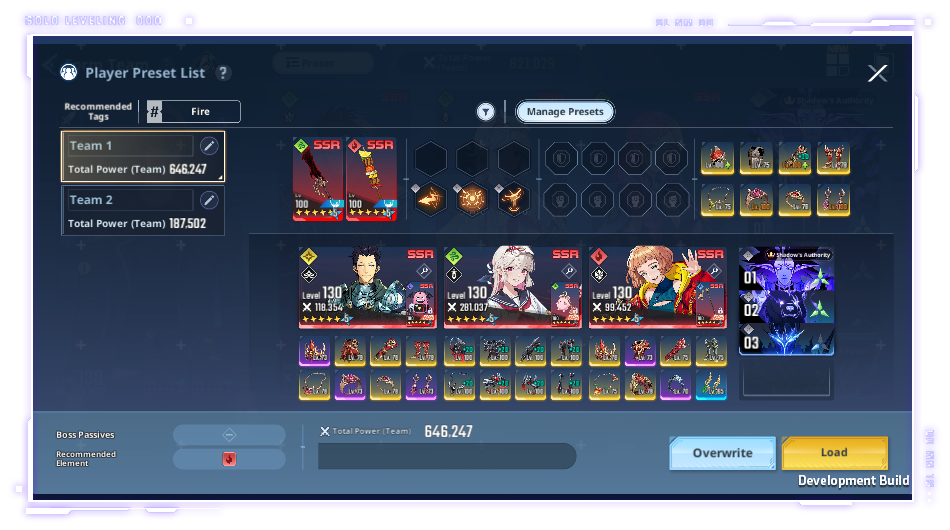
- When overwriting, the formation information modified on the Formation page is saved to the preset list.
- When loading, the information saved in the preset list is copied to the Formation page.
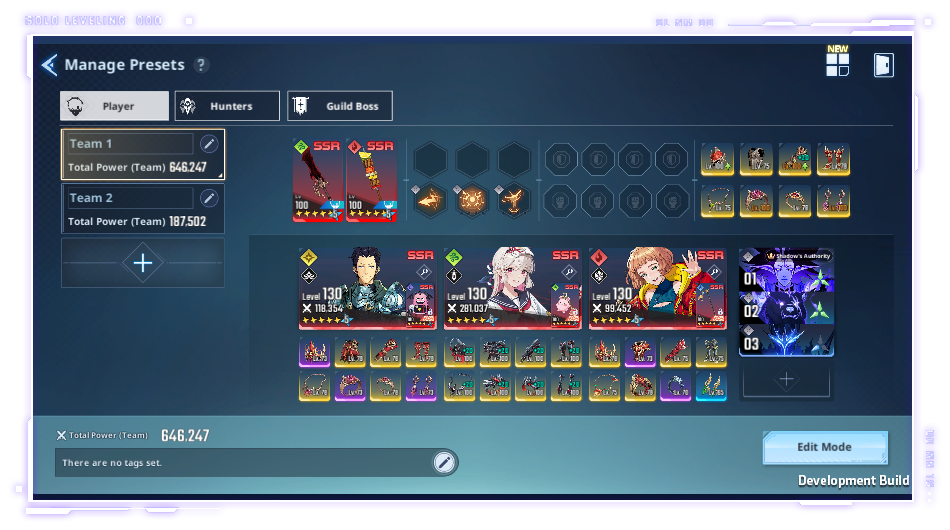 - In Edit Mode you can modify each formation, delete or change the preset list (move up/down), or enter Copy Mode.
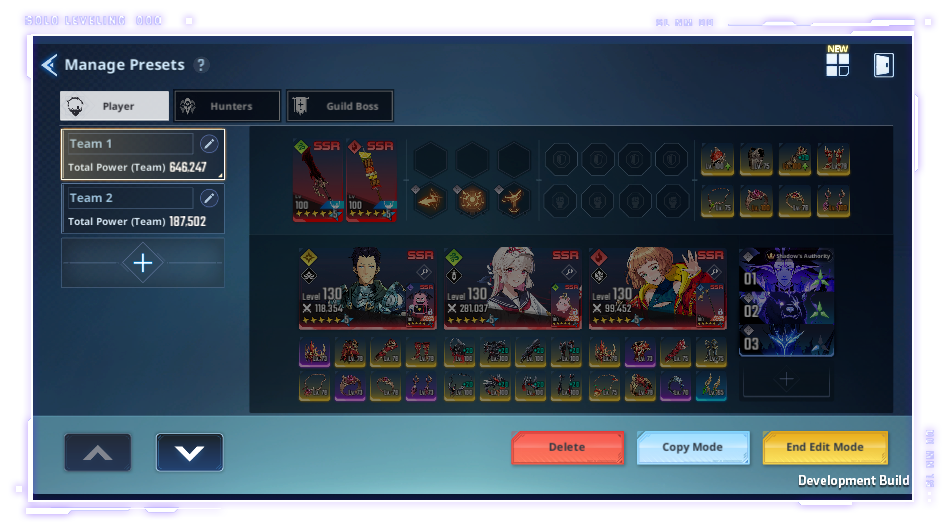 - In Copy Mode, you can select Sung Jinwoo/Hunter/Army of Shadows/Remnant Power info and add it to a different Preset List.
[Auto-Form]
- Before entering a stage in Story, Gate, Guild Boss, or other game mode, you can use ""Auto-Form""
to automatically load a formation with hunters, Shadows, and Remnant Power.
- When using Auto-Form, the hunters with the highest Total Power are set first.
*This guide was written based on the test version of the game, and the content may change in the future.