Sung Jinwoo
In the Sung Jinwoo menu, you can view and change Jinwoo's battle stats, skills, gear, and more.
[How to Access the Sung Jinwoo Menu]
- [Menu] ▶ [Sung Jinwoo]
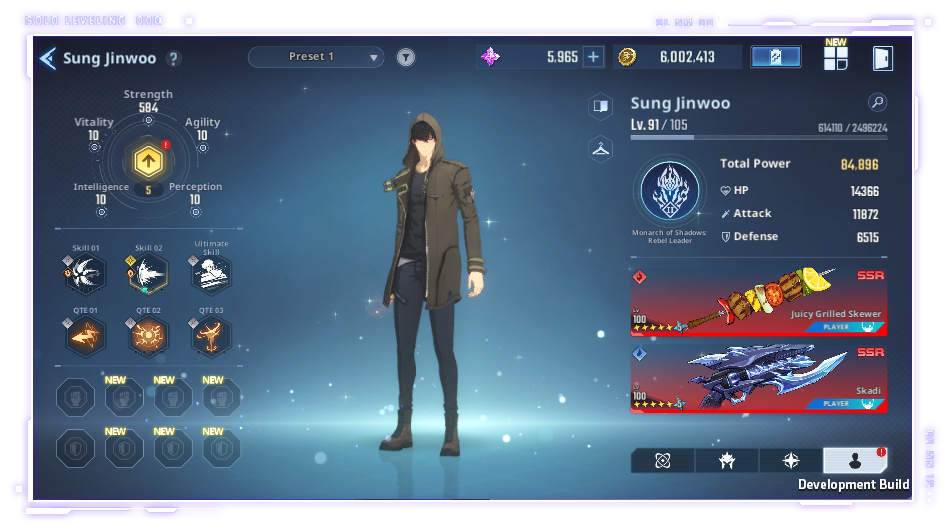
[Sung Jinwoo Guide]
- In this menu, you can view Jinwoo's stats.
- Stat points Jinwoo has obtained through leveling up can be invested in his different stats.
- You can view detailed information about each stat by tapping the magnifying glass icon.
- Jinwoo's current Job and the conditions for his next Job Change can also be seen here.
- After reaching the max level, additional Sung Jinwoo EXP is converted to Reputation Level EXP.
[Presets]
- You can view the items Sung Jinwoo has equipped in the selected preset.
- Only Jinwoo's equipment information can be edited. See the specified area.
*When editing Sung Jinwoo Weapons, skills, or Blessing Stones, changes will only apply to the selected preset.
- Tap the magnifying glass button to move to the page where you can edit the presets.
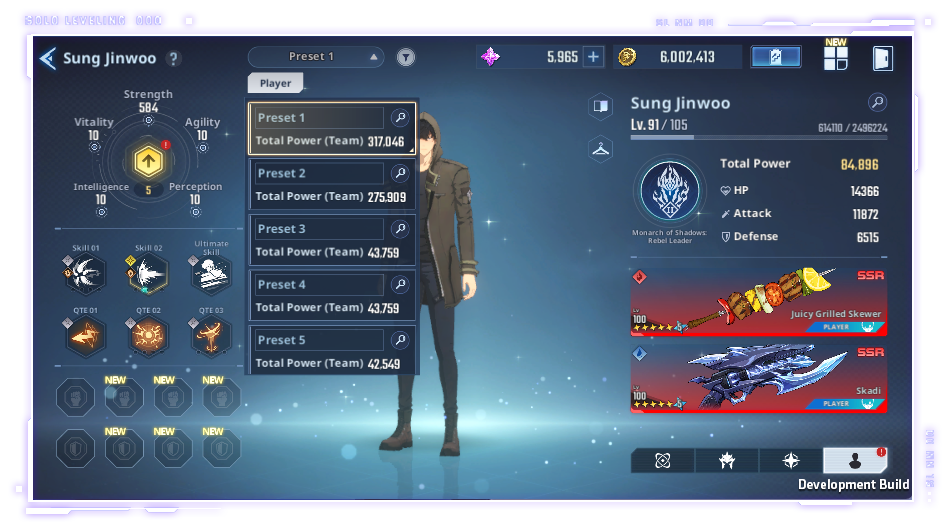
- Tap the filter located next to the Preset button to select a formation tag.
- You can create formation tags by going to [Menu] ▶ [Manage Presets],
and the tags you create will show as active in the tag selection pop-up.
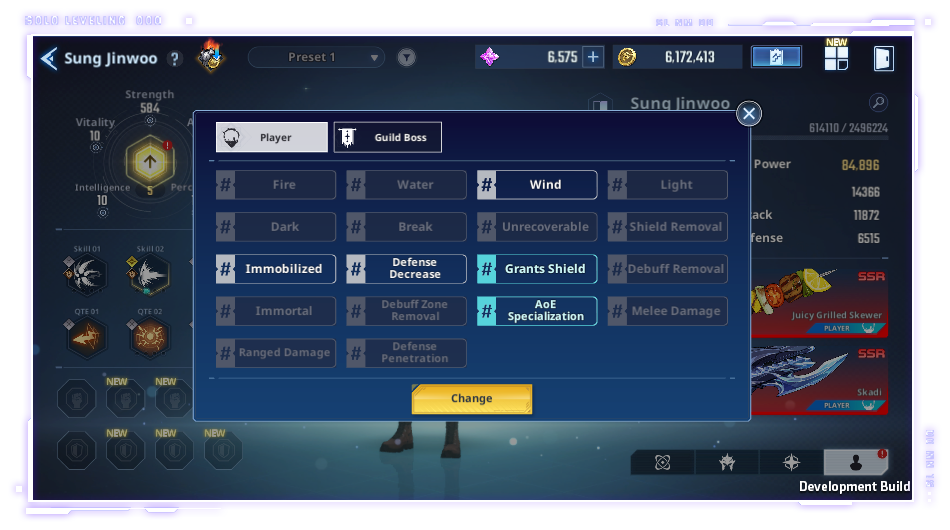
- When you select a tag and tap the Change button, presets that match the condition will be filtered and displayed.
|
Stats Effects |
|
|
Strength |
Increases Jinwoo's basic attack |
|
Vitality |
Increases Jinwoo's HP and Defense |
|
Agility |
Increases Jinwoo's Critical Hit damage |
|
Intelligence |
Increases MP |
|
Perception |
Increases Precision, and increases minimum damage dealt to enemies |
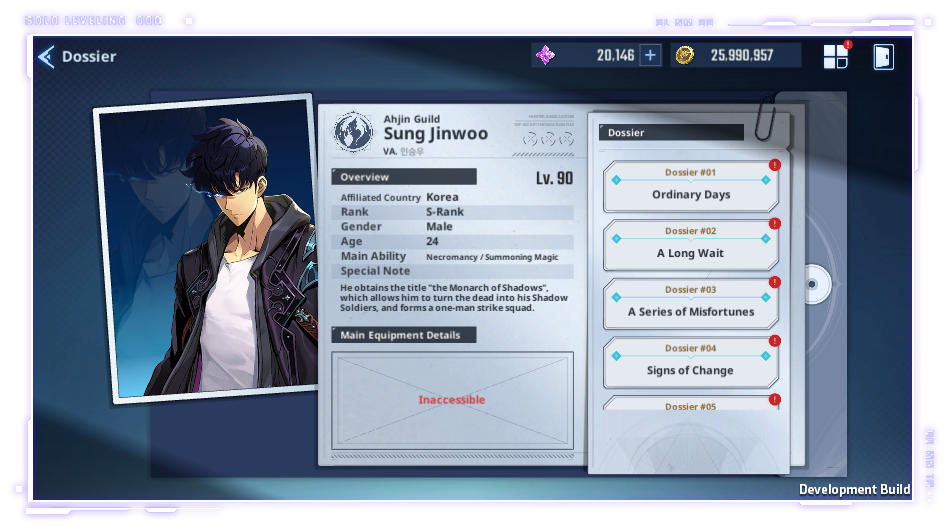
[Jinwoo's Dossier]
- You can view Jinwoo's character dossier here.
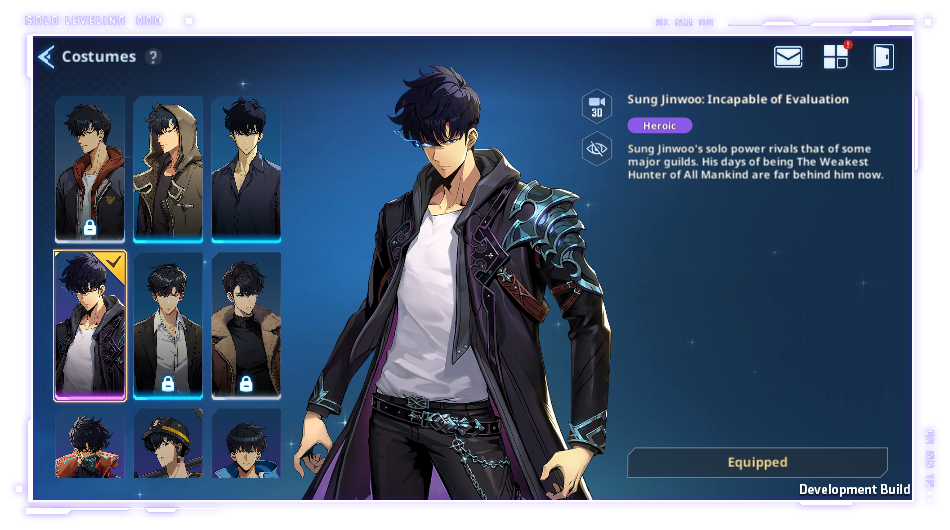
[Costumes]
- You can view and change Jinwoo's costume here.
[Skills]
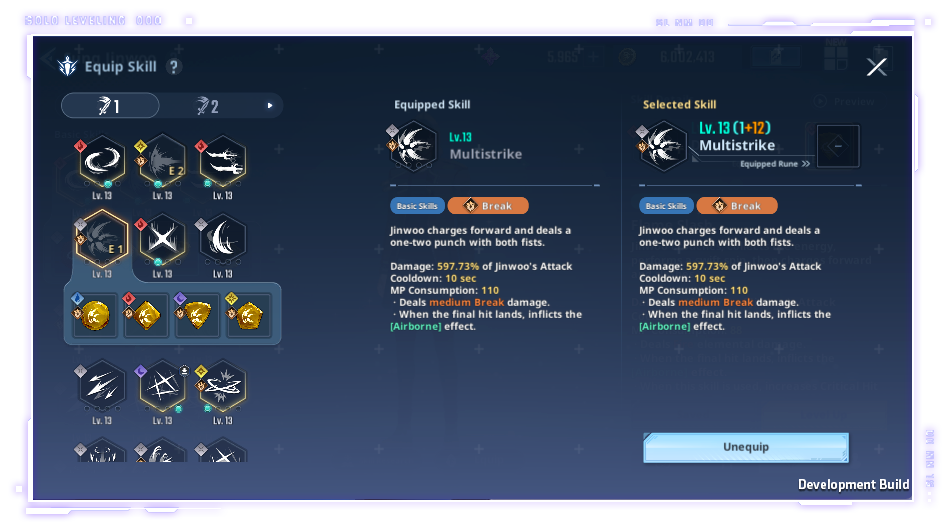
- You can set the skill Jinwoo's equipped skills here.
- You can strengthen his skills by leveling them up and equipping runes through this menu.
- When you obtain a high-grade Skill Rune of the same type, any lower-grade Skill Rune already registered will automatically be upgraded to the higher grade. Same or lower-grade Skill Rune duplicates obtained after will be sent to your inventory.
- Skill Runes sent to your inventory can be used to fuse.
[Artifacts]
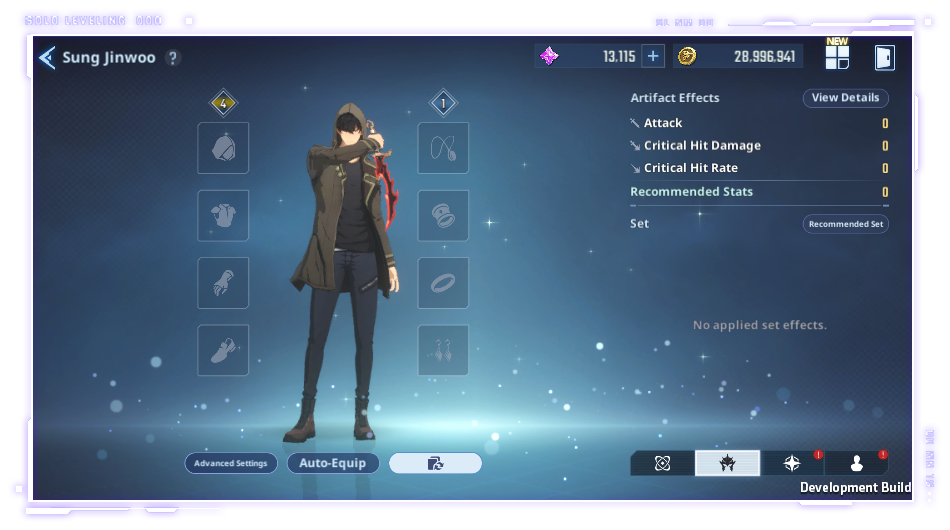
- Jinwoo can equip artifacts.
- You can view the effects of the artifacts Jinwoo has equipped.
- Use Unequip All, Auto-Equip, or Advanced Settings to easily equip the most suitable artifacts.
- You can enhance an artifact by using the Enhance button.
- An Artifact Enhancement Chip will be used when you enhance an artifact.
[Blessing Stones]
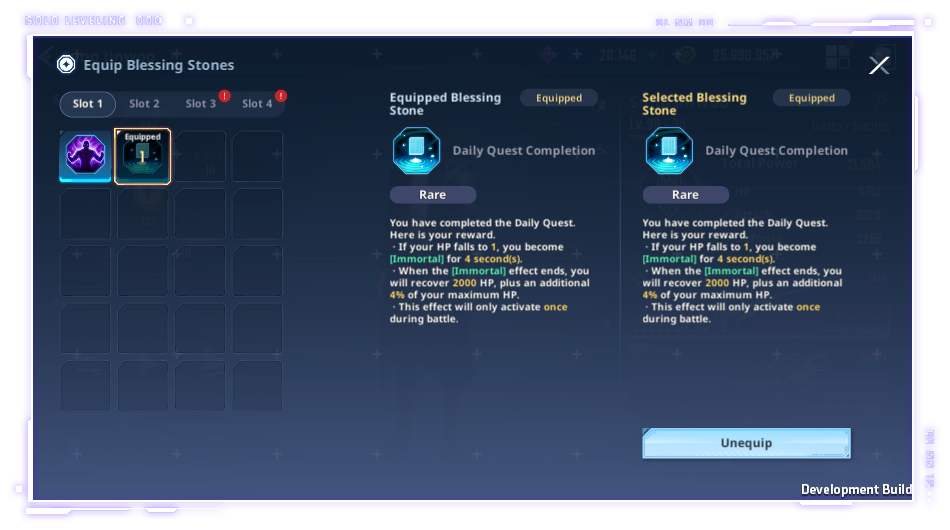
- You can set the Jinwoo's Blessing Stones here.
- When you obtain a high-grade Blessing Stone of the same type, any lower-grade Blessing Stone already registered will automatically be upgraded to the higher grade. Same or lower-grade Blessing Stone duplicates obtained after will be sent to your inventory. Blessing Stones sent to your inventory can be used to fuse.
*This guide was written based on the test version of the game, and the content may change in the future.