Character Movement
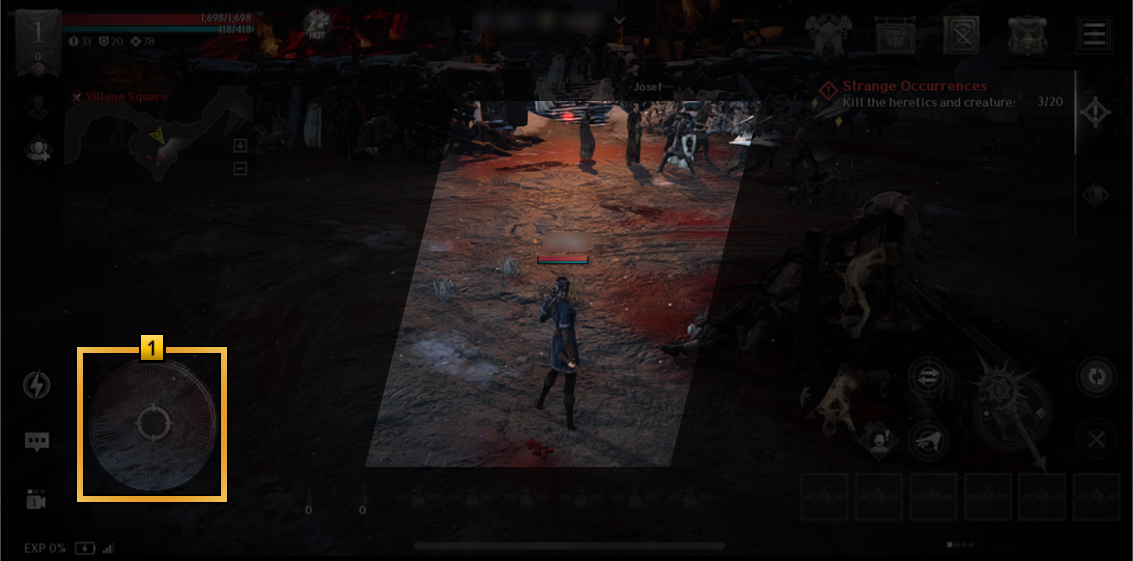
1 Use the movement joystick to move your character to the desired location.
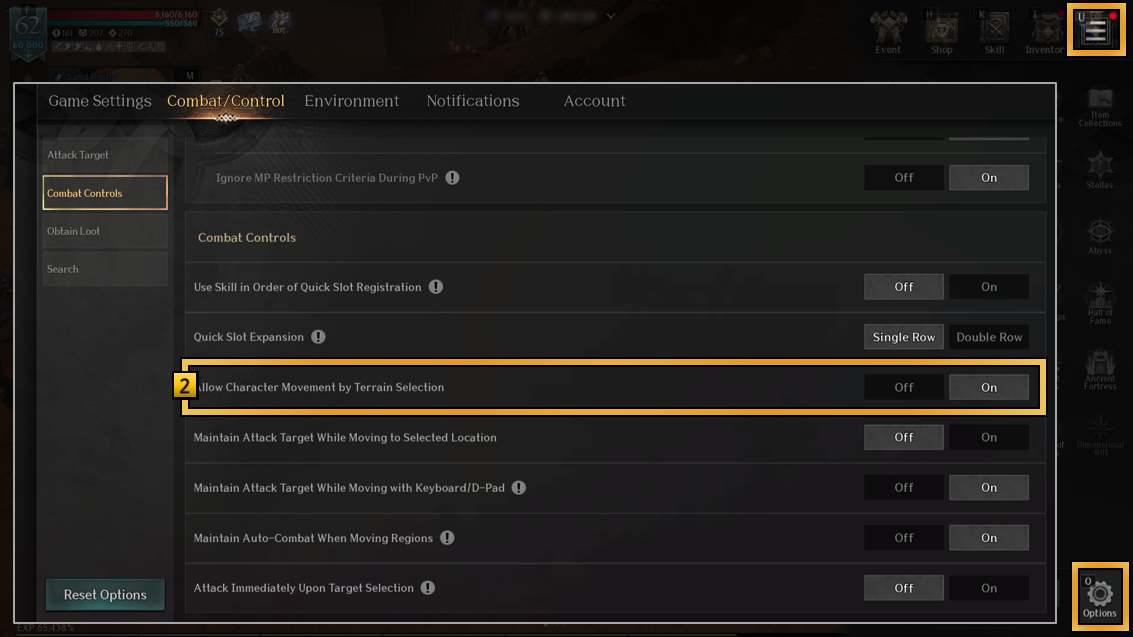
2 You can tap the ground to automatically move to that location
when [Options > Combat/Control > Combat Controls] ▶ [Allow Character Movement by Terrain Selection] is set to ON.
Camera Controls
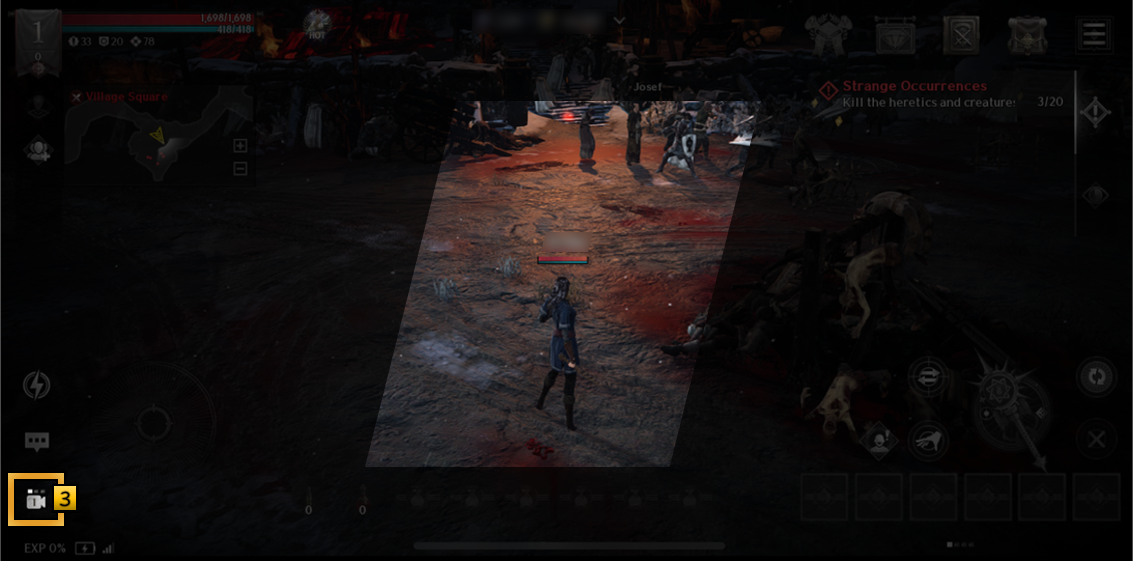
1 Swipe the screen to adjust the camera to your preferred angle.
2 Tap the screen with two fingers to zoom in or out.
3 Tap the camera icon at the bottom-left corner to switch the camera perspective between free view, isometric, and action view.
Basic Attack
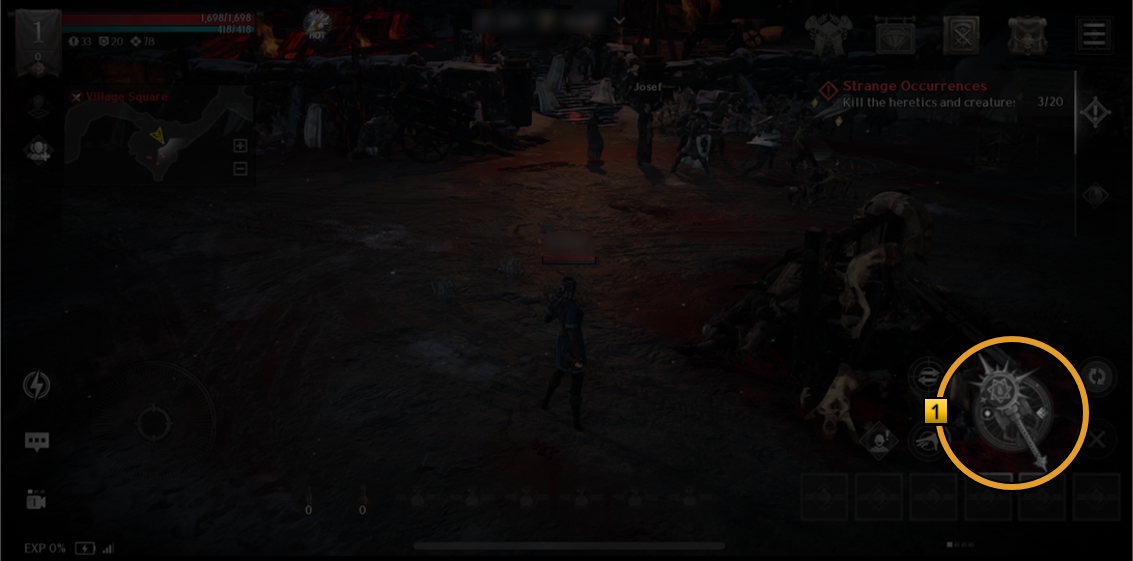
1 To attack, double-tap your target,
or tap the target and tap the Attack Button on the right side of the screen.
Auto-Combat
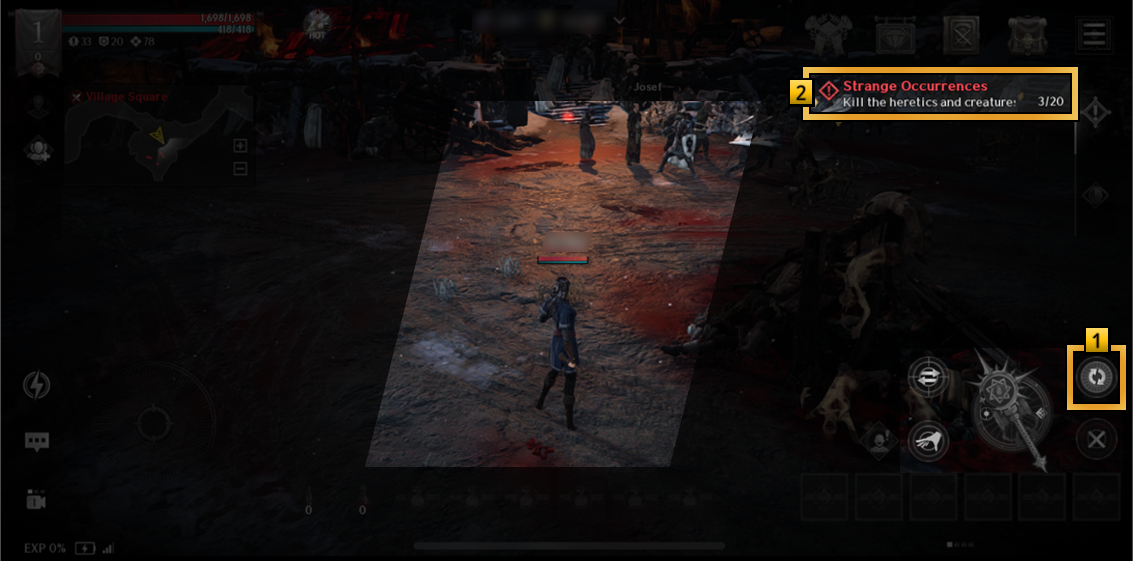
1 Tap the Auto-Combat button to proceed with battles automatically.
2 Tap an active quest to find and combat required monsters automatically.
Obtain Items
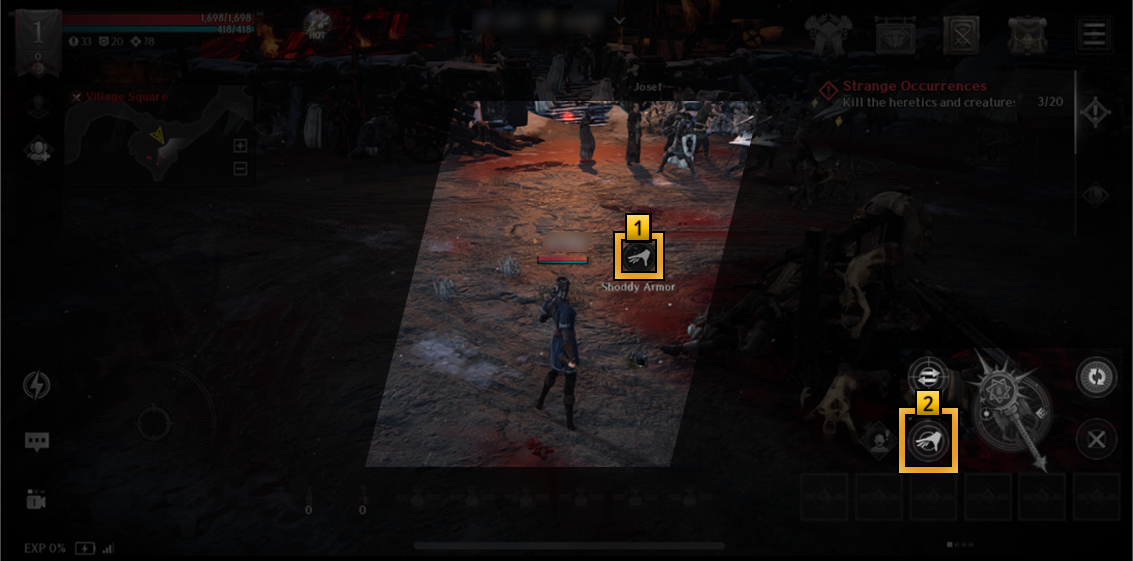
1 Pick up and obtain items that drop on the ground based on chances after defeating monsters.
2 Tap the pick up button or the dropped item to obtain items.
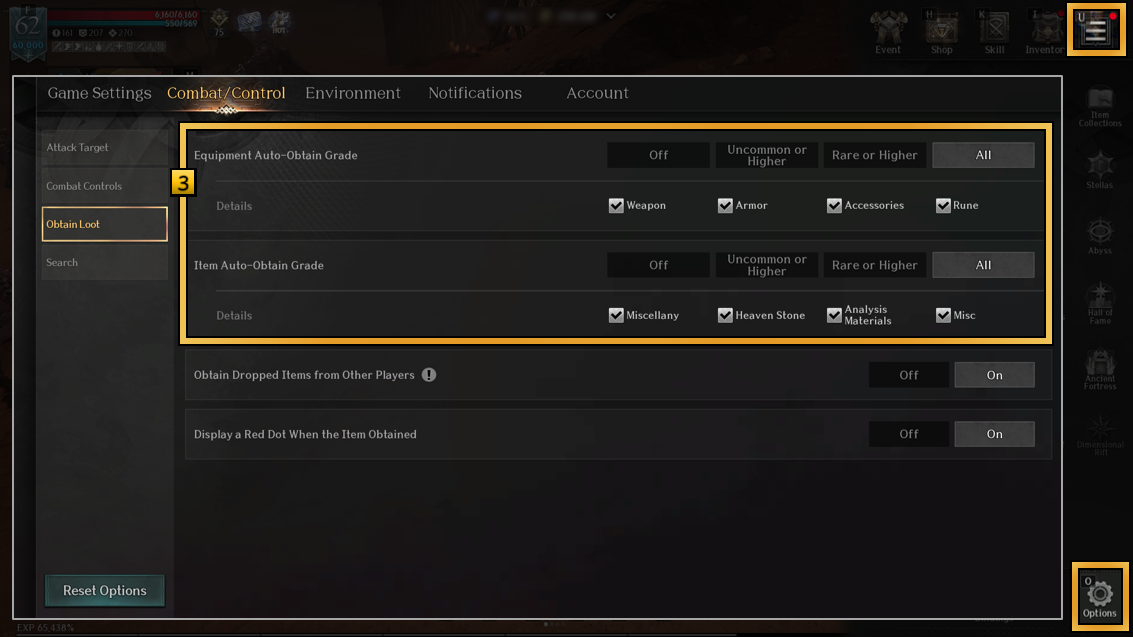
3 Go to [Options > Combat/Control > Obtain Loot] to enable Auto-Obtain.