Use Artifacts to grant character effects and view the stories behind Artifacts.
■ How to Access Artifacts
- [Menu] ▶ [Artifact]
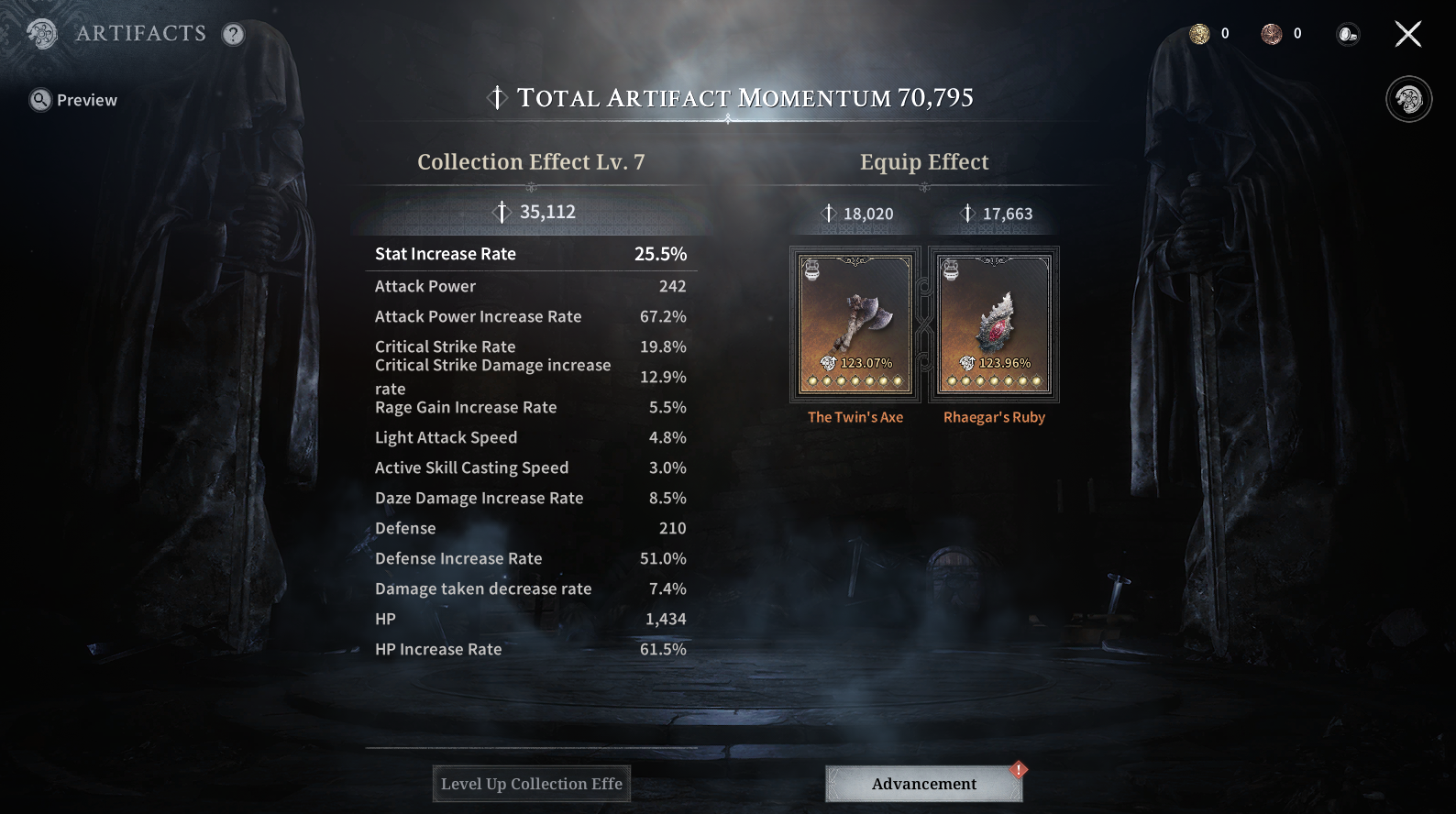
■ Artifacts
- View your equipped Active and Passive Artifacts, as well as Artifact collection effects.
- Check your overall Momentum based on Artifact collection effects. The level of these effects can increase depending on the total restoration of your Artifacts.
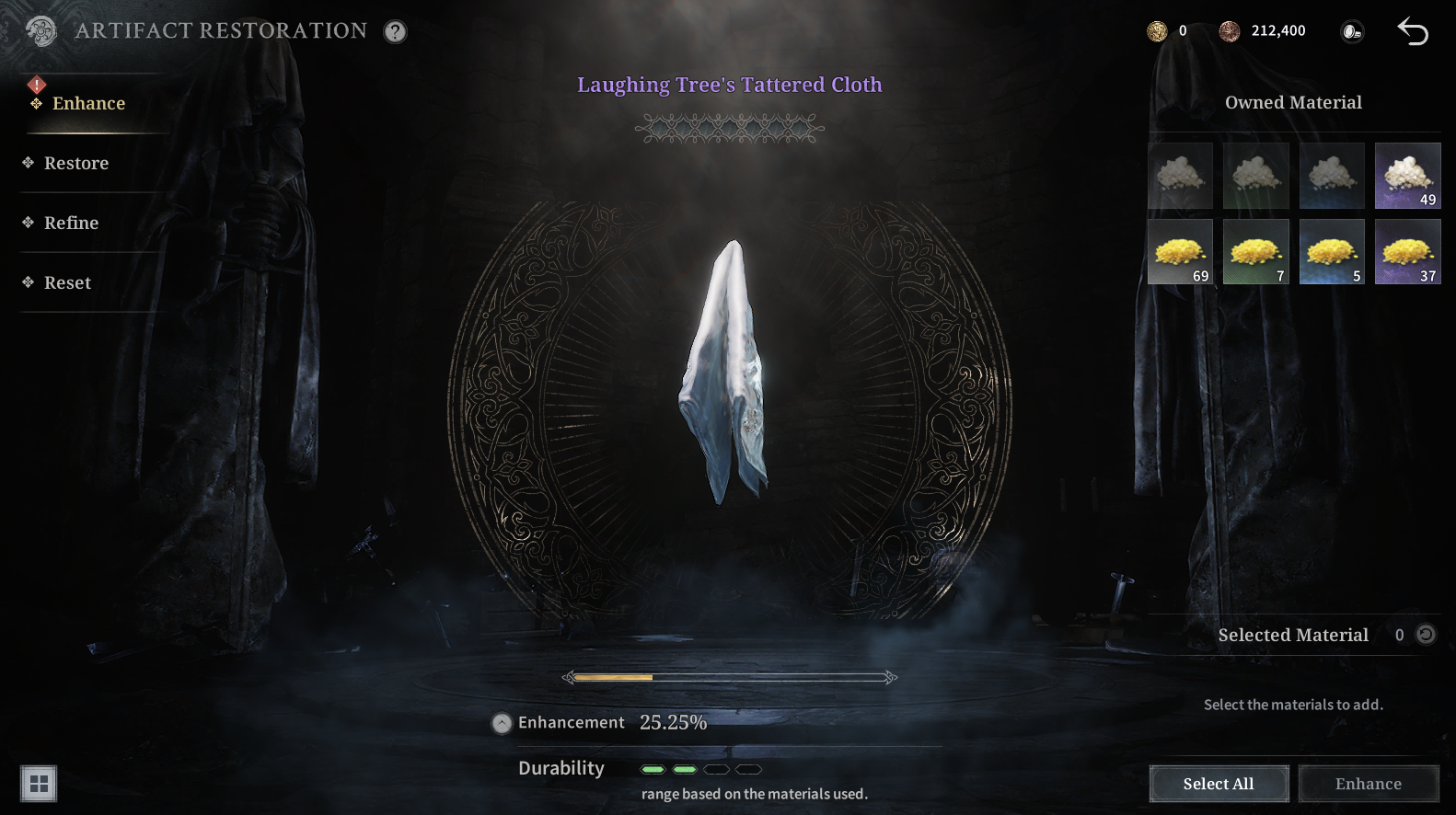
■ Enhance
- Reinforcement: Use reinforcement items to restore decreased Durability.
* Artifacts at max restoration cannot be reinforced.
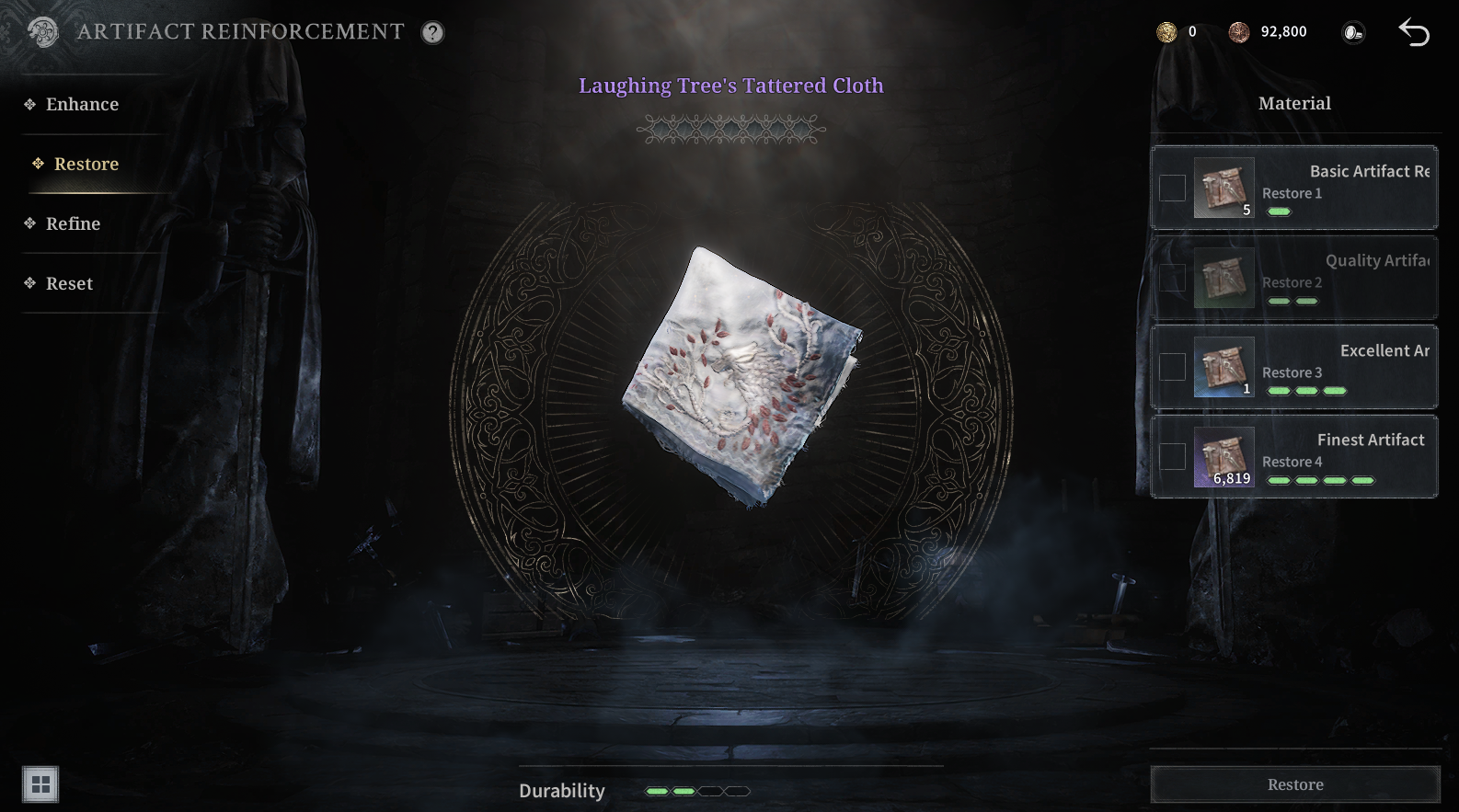
■ Restore
- Restoration : Enhancing a Artifact via Restoration will increase a Artifact's stats.
* Restoration will decrease Durability within a set range.
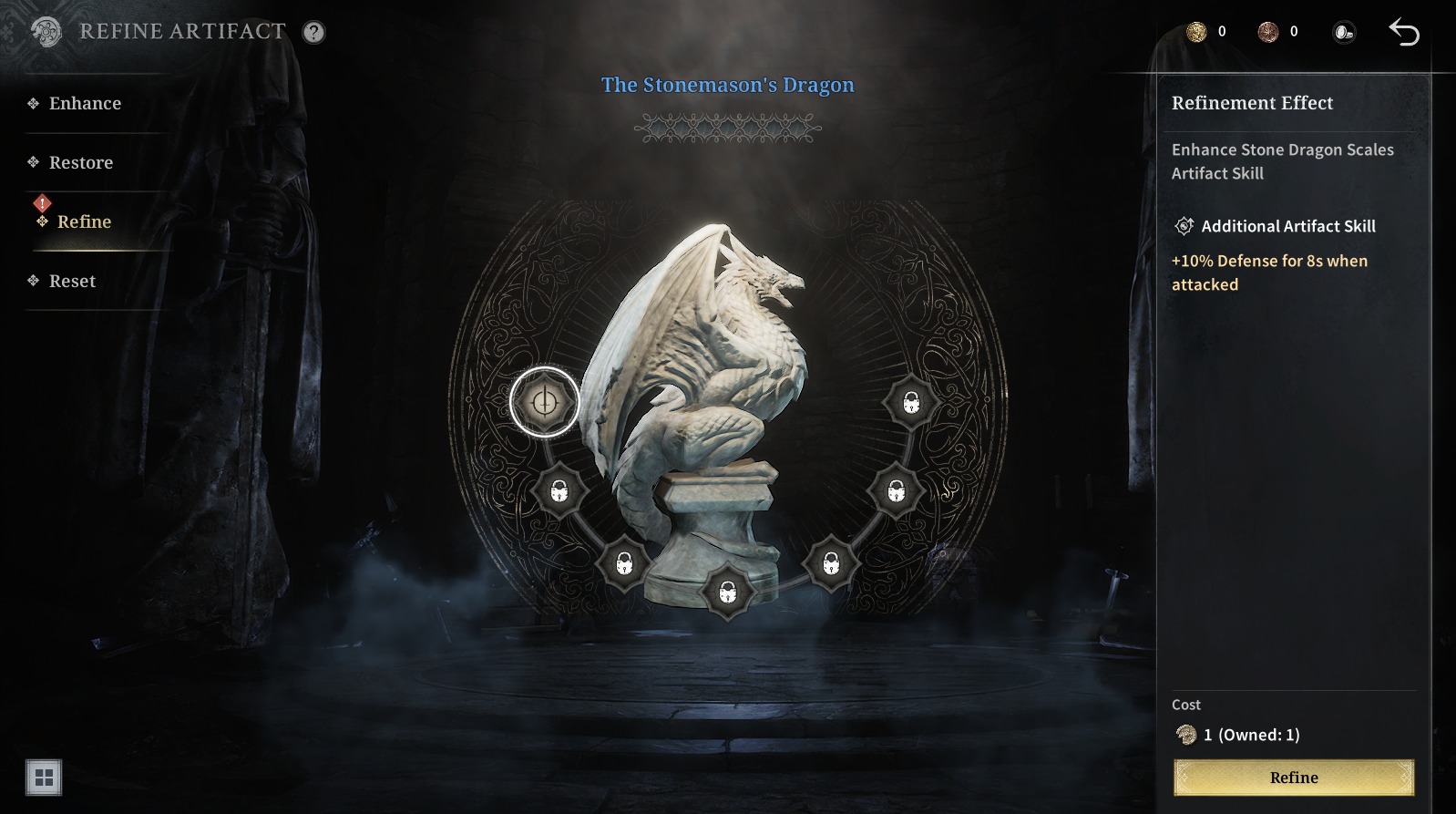
■ Refine
- Refinement: If you acquire the same Arfifact again, you can obtain Refine Points.
- You can use Refine Points to unlock hidden Arfifact abilities.
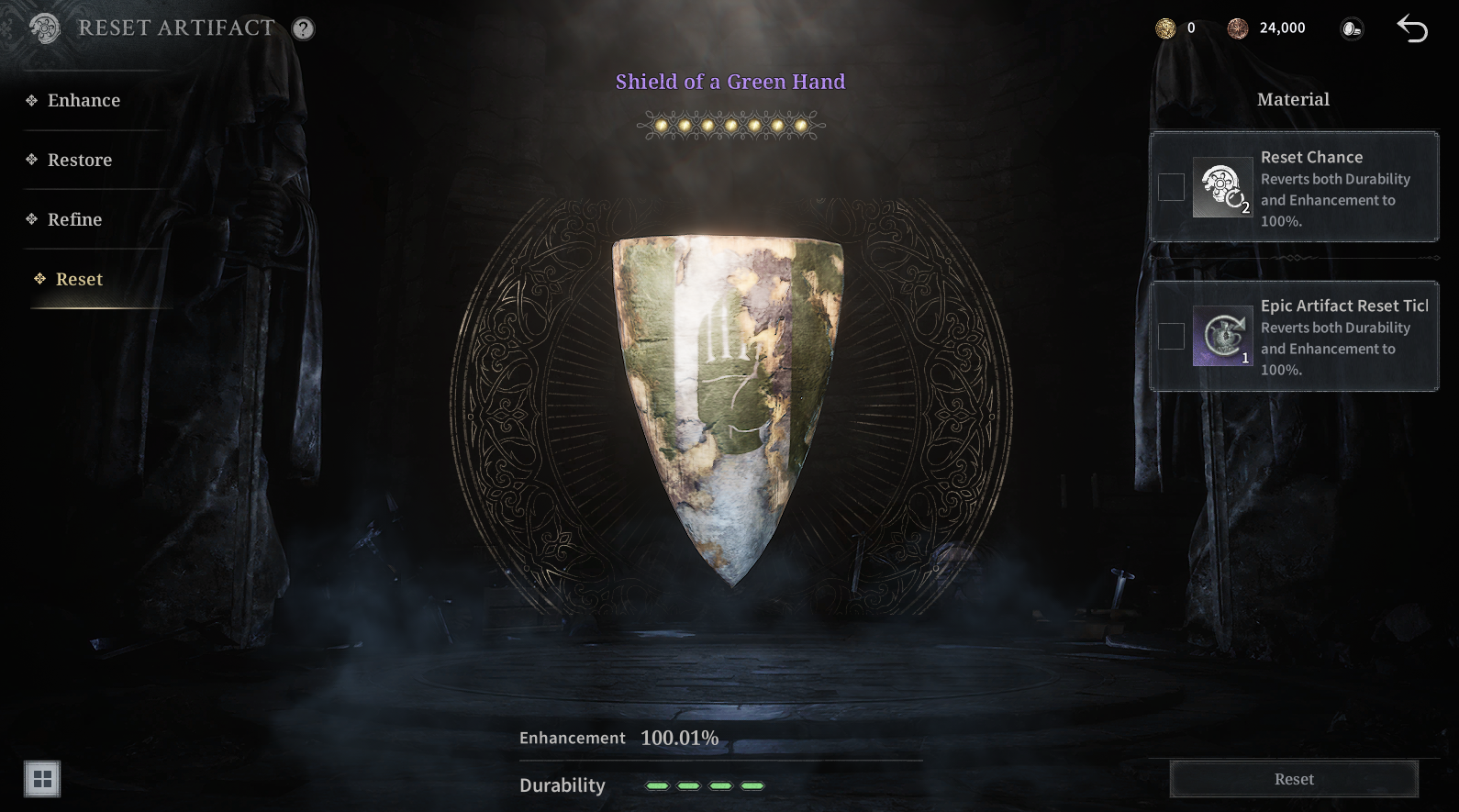
■ Reset
- Reset: Available after reaching 100% Restoration on an Arfifact.
- Durability and Restoration will reset to 100%.
* Please note that once you choose to reset, it cannot be undone.
* This guide was created based on a test environment and may be subject to change in the future.